
The photo editing world changed fast. Tools like Midjourney, Evoto AI, Retouch4me, and even built-in Shopify/Amazon enhancers now handle background removal, basic color fixes, and simple skin smoothing in seconds.
So why do thousands of ecommerce brands, Amazon sellers, and photographers in Dhaka and worldwide still choose human retouchers over full AI workflows in 2026?
The short answer: AI is fast and cheap — but humans deliver the subtle quality that actually increases sales.
Let’s break down the real differences we see every day at FastRetouching, based on retouching 4,000+ images monthly.
1. Natural Shadows & Reflections – Where AI Still Struggles
Modern AI can generate drop shadows. But watch closely:
- AI shadows often look flat or cartoonish — same hardness on every surface.
- Human retouchers match lighting direction, softness, and fall-off from your original photo.
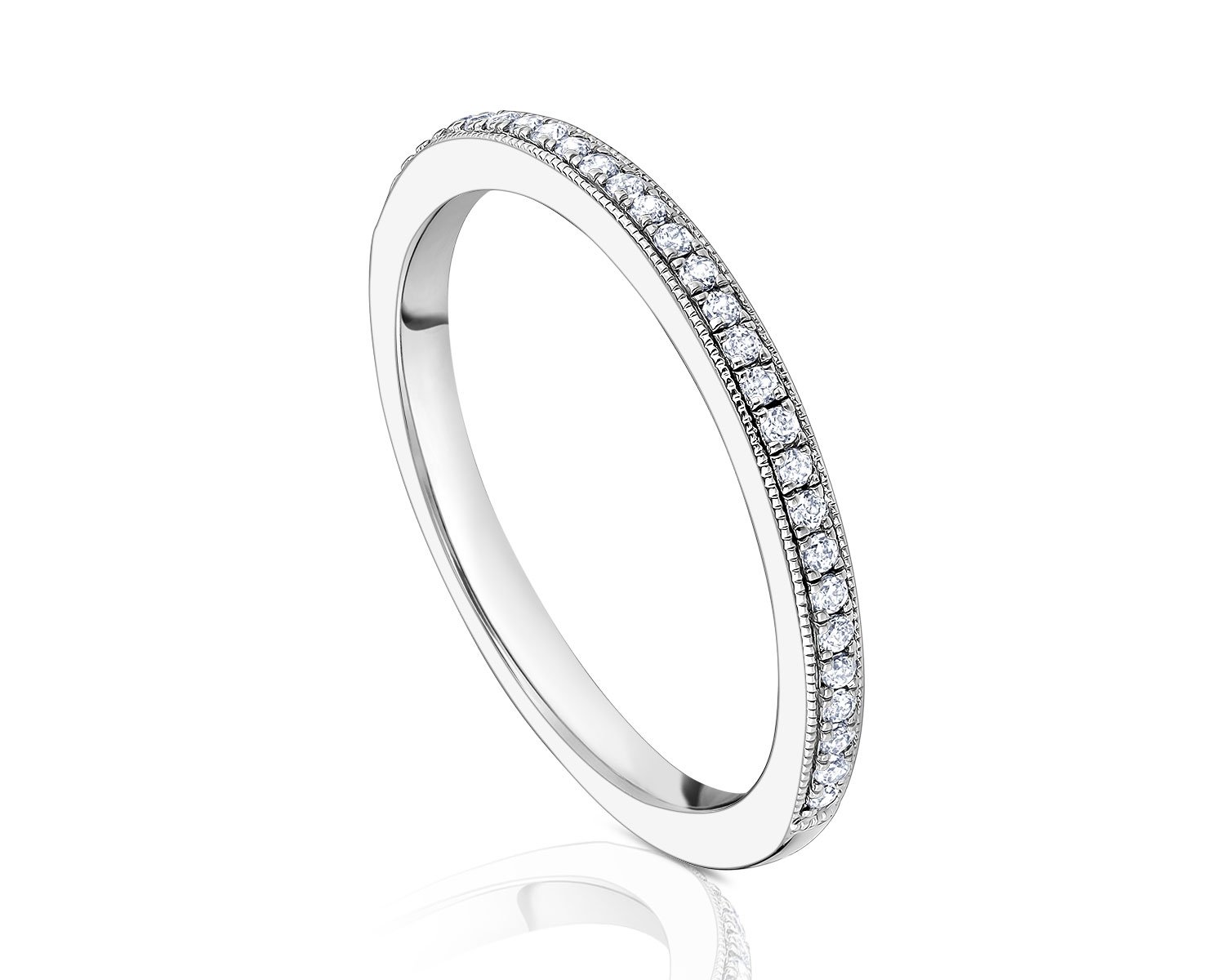
- Jewelry, watches, glass bottles, and shoes need realistic reflections. AI reflections frequently repeat patterns unnaturally or ignore perspective.
Real example from last week: A Dhaka-based fashion brand sent us 120 product shots of metallic sandals. AI tools gave perfect cutouts but added fake chrome reflections that looked plastic. After human retouch (our Standard package), bounce light matched the studio softbox exactly — conversion rate jumped 18% on their Shopify store (their words).
Tip for sellers: If your product has shiny surfaces or needs custom shadows, budget for human finishing even if you start with AI cleanup.
2. Consistency Across Hundreds of Images
You upload 300 SKUs. AI applies the same preset — great for speed.
But real brands need:
- Exact same white balance across summer vs winter shoots
- Uniform shadow length and opacity
- Matching highlight roll-off on skin tones or fabrics
Humans follow a style guide (we create one free for bulk clients). AI drifts — especially with tricky fabrics like silk or velvet.
We’ve seen AI-corrected batches where 40% needed manual fixes anyway. That “time saved” disappears.
3. Complex Object Removal & Compositing
Want to:
- Remove a stray thread on clothing?
- Erase dust specs on jewelry without blurring?
- Swap background models while keeping perfect hair masking?
- Create ghost mannequin (hollow clothing) with natural folds?
AI is improving, but complex hair, fur, transparent fabrics, or intricate patterns still need human eyes. One bad mask = returned product or bad review.
4. Speed vs Quality Trade-Off in 2026
Here’s the honest 2026 reality:
| Task | Pure AI (tools like Remove.bg + Evoto) | Human + AI Hybrid (FastRetouching) | Best For |
|---|---|---|---|
| Simple background removal | 5–30 seconds | 6–12 hours turnaround | Quick listings |
| Basic color & crop | Instant | Included | High-volume |
| Natural product shadows | Often unnatural | Photorealistic | Premium brands |
| Jewelry / reflective fixes | 50–70% success | 95%+ approval first round | High-value items |
| Ghost mannequin / compositing | Basic only | Full natural folds | Clothing stores |
| Rush (same-day) | Yes (if tool allows) | Yes (+50–100%) | Urgent launches |
For most growing ecommerce businesses, the hybrid wins: AI for grunt work, humans for polish.
Quick Tips to Get Better Results (Even If You Edit Yourself)
- Shoot with retouching in mind — Use even lighting, clean backgrounds, multiple angles.
- Provide a style guide — Send 3–5 “approved” example images to your retoucher.
- Test small — Send 5 images for free (we do this at FastRetouching — no card needed).
- Check for over-sharpening — AI loves to oversharpen; it looks artificial on skin/fabrics.
- Prioritize mobile view — 70%+ of ecommerce happens on phones — ensure details hold up at small sizes.